Switchboard manual
Switchboard is an e-ink smart-home remote, built on the Xteink X4 Pro, plus the small server that sets it up. The remote drives your lights, blinds, music, TV and heating through Home Assistant. The server can also run colour e-ink wall displays, called viewports.
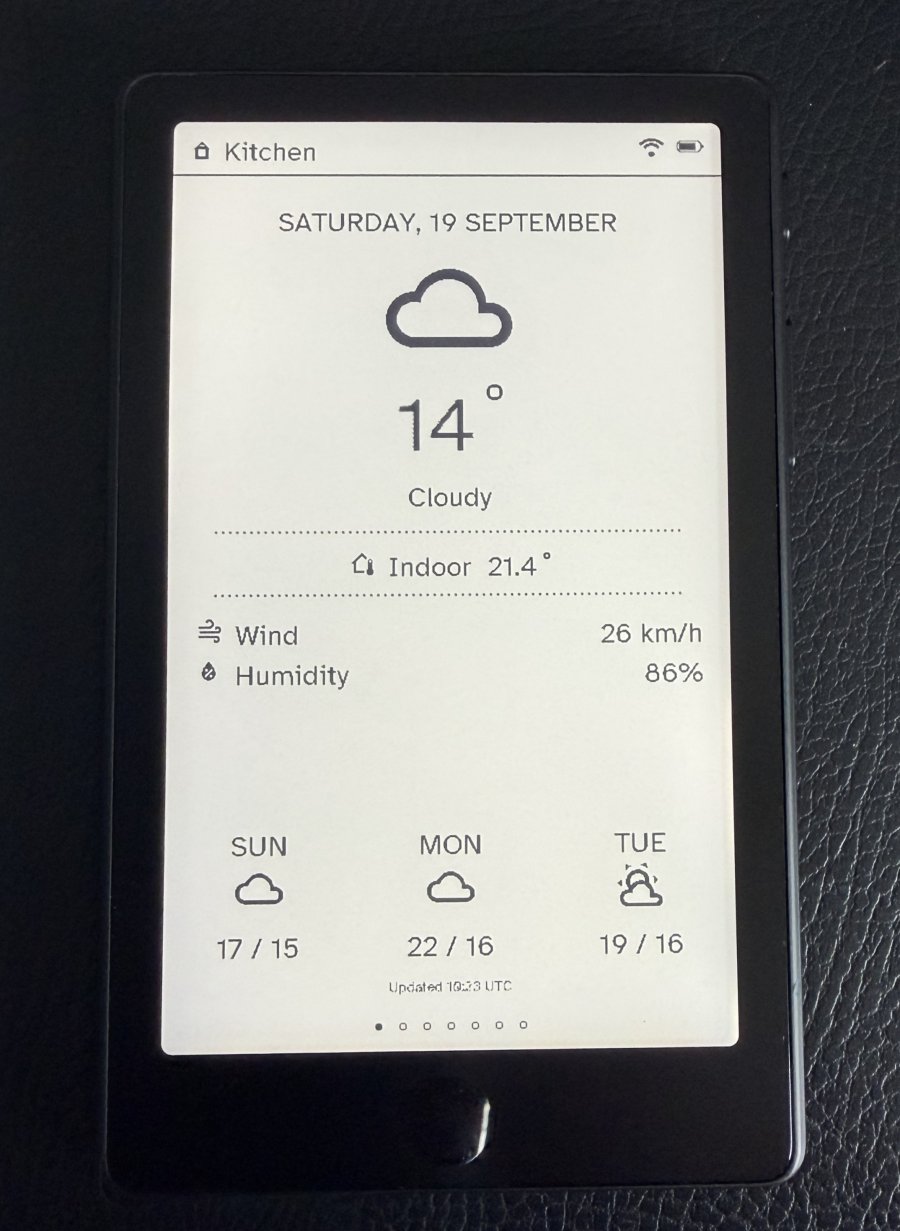
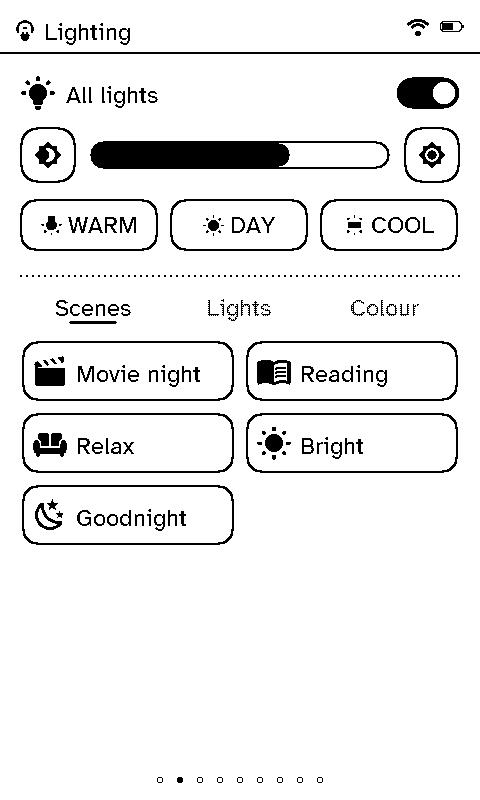
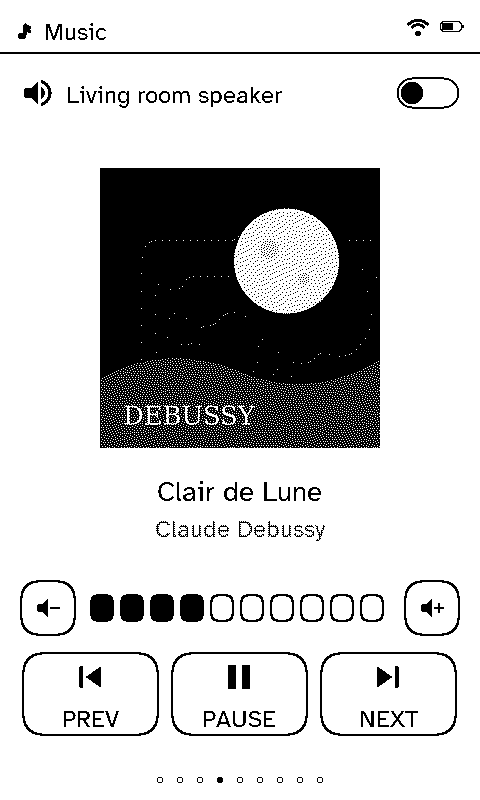
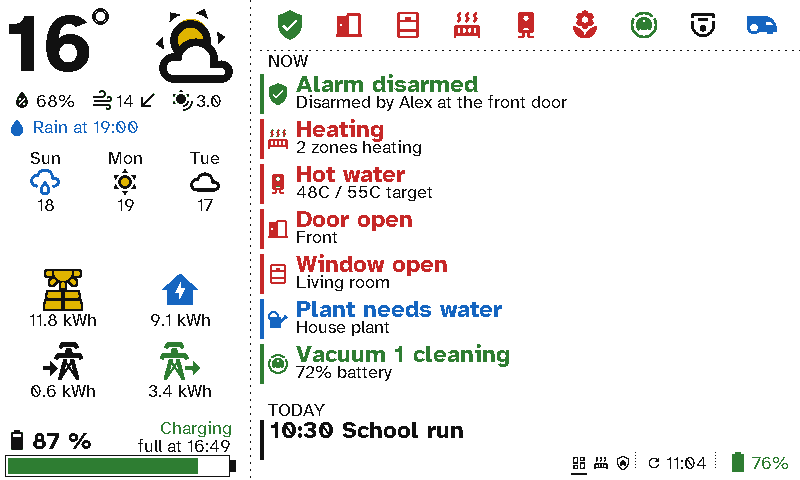
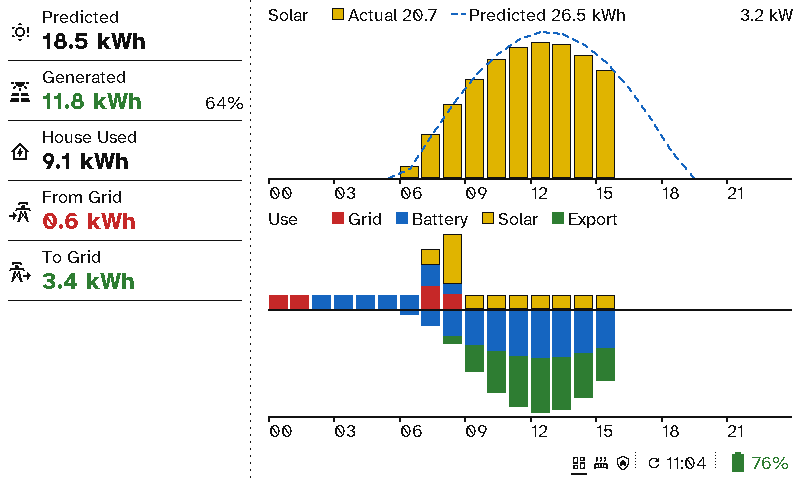
Batteries that last. A remote runs for about 30 days on a charge with light use, and a viewport for around 3 months. E-ink only uses power to change the picture, the devices sleep whenever they can, and the server tells you how many days each one has left. See Battery life.
How it fits together
- The remote is dumb hardware. It knows nothing about your house until the server tells it, and it only draws what it’s sent.
- Switchboard Server runs on your network in a Docker container. Every room’s setup lives there: which lights, blinds and players it has, and which pages its remotes show. The server talks to Home Assistant for the devices and prepares everything they draw.
- Viewports are colour e-ink wall displays, such as a kitchen panel or a meeting-room sign, running Switchboard Viewport on the reTerminal E1002. Their whole UI is also built on the server.
Where to go next
- New here? Getting started takes you from nothing to a working remote.
- Wondering where it fits? Use cases has a page for each room and place, with its screens and the case for Switchboard there.
- No hardware yet? Try the demo runs the server with a pretend Home Assistant and a whole house of devices.
- Using a remote? Start with its screens.
- Putting up a viewport? Start with Setting up a viewport.
- Meeting-room signs for an office? See Viewports in the office: room calendars from Google, Outlook or iCloud links, when signs change, and setting up many at once.
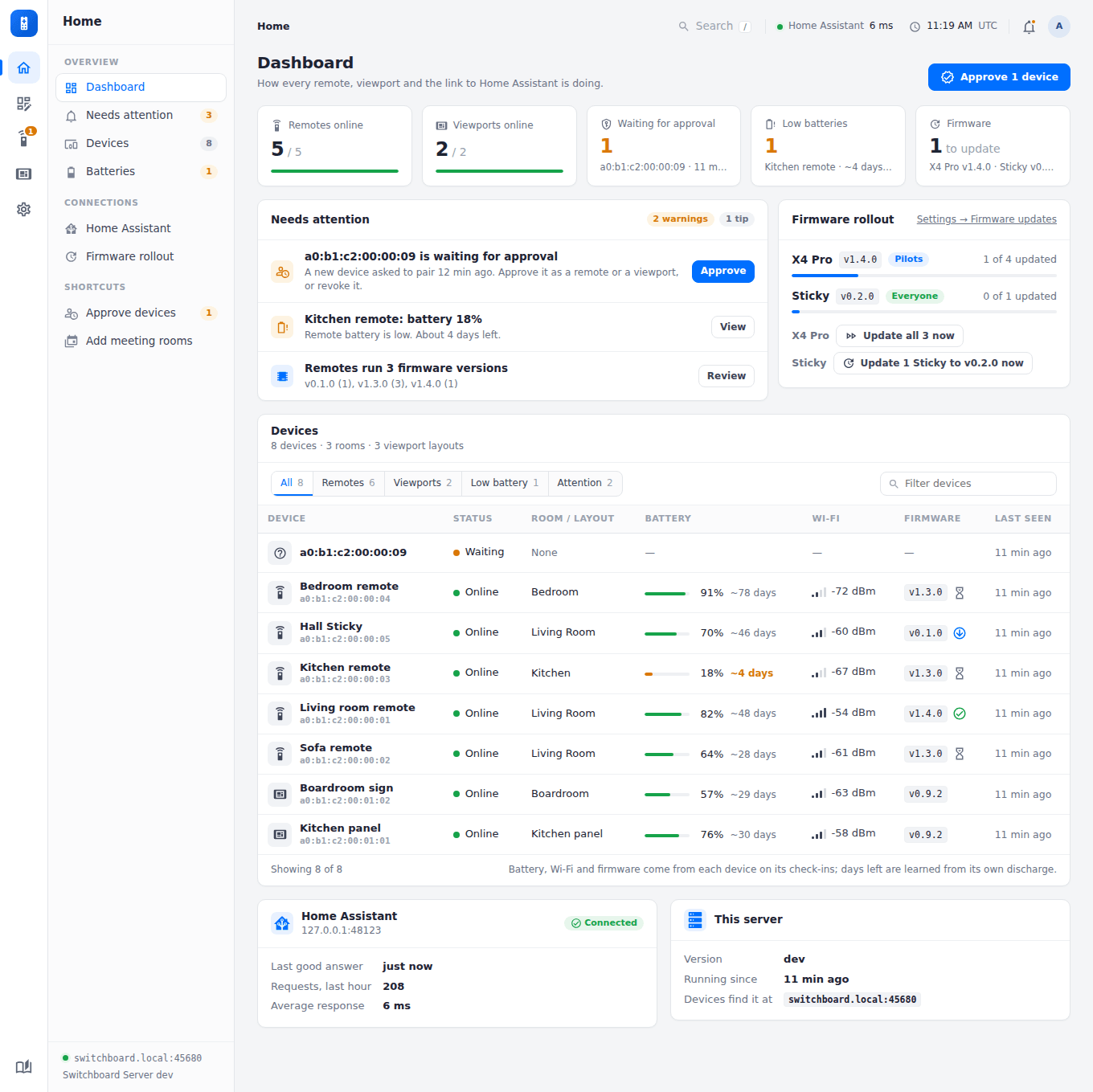
- Setting things up? Start with the server’s Home page and remote layouts.
The screenshots in this manual come from the real code: the remote’s screens are drawn by its own firmware, and the admin pages come from the server, both running against the demo. See Screenshots for how to make them again.