Remotes
Remotes lists every handheld remote in its column, with its room and when it was last seen; the dot beside it is green while it’s online. Devices waiting for approval are at the top.
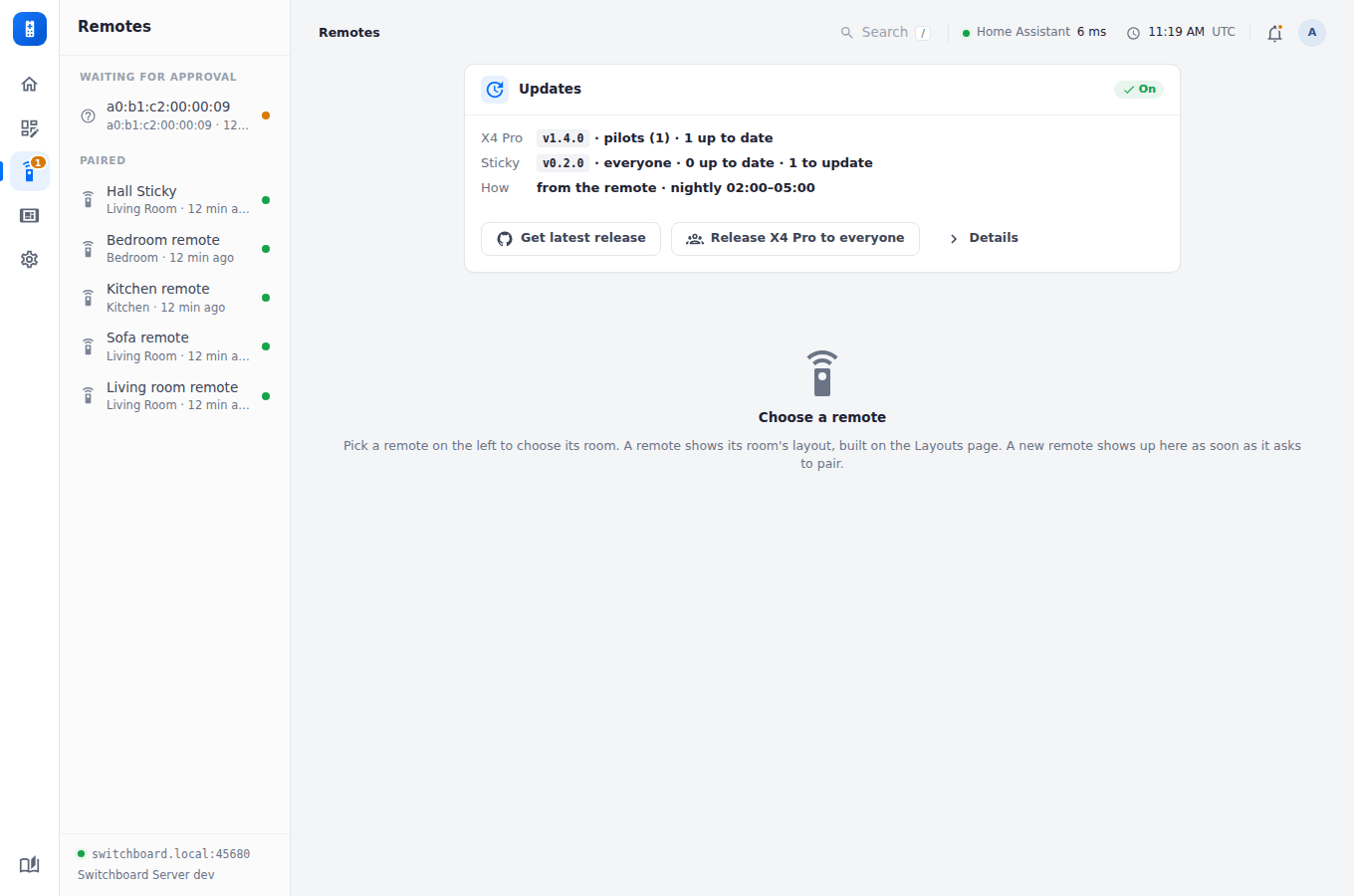
A remote’s page
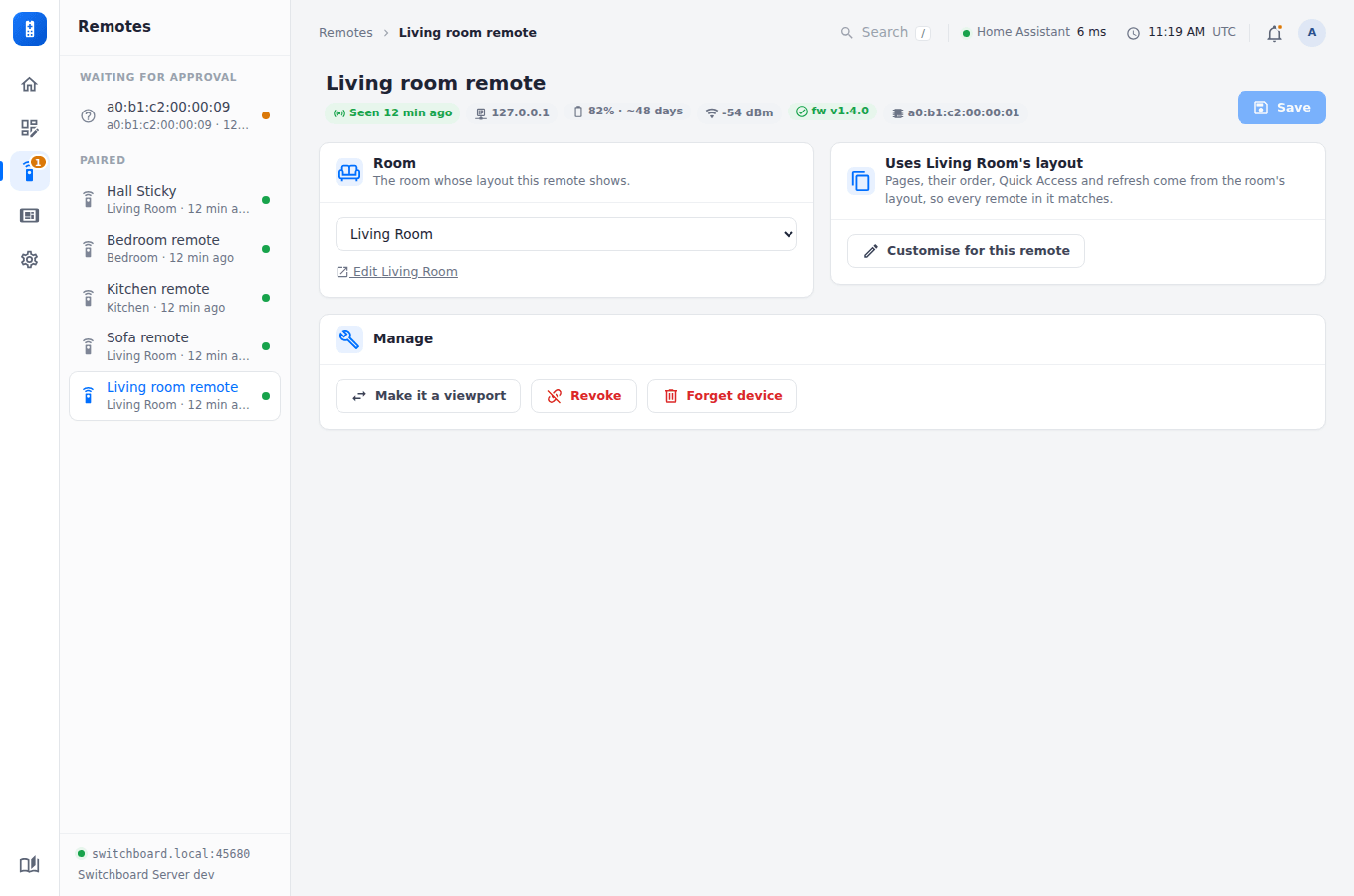
- Room: which room’s layout it uses. Customise for this remote gives it its own pages (the same list as a remote layout’s: drag to reorder, switch off to skip), Quick Access and refresh, starting from the room’s, without changing the room. Use the room’s layout instead goes back.
- Manage: make it a viewport instead, Revoke it (its token stops working at once; it has to be approved again), or Forget it (the record, and its battery history, are deleted).
Approving a new one
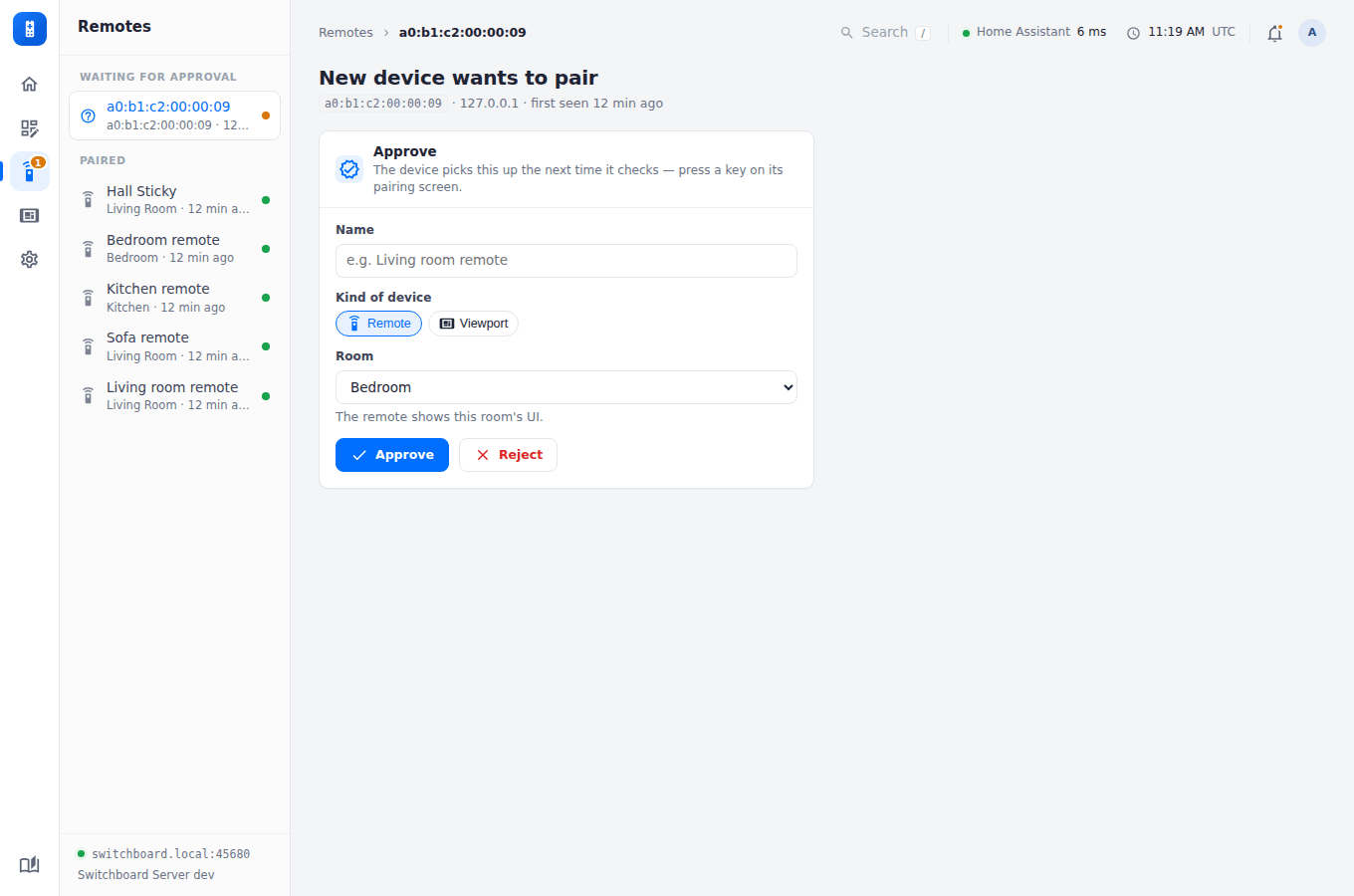
A new device appears at the top as soon as it asks to pair. Approve it as a remote, choosing its room, or as a viewport, choosing its layout. See Pairing & auth.