When something’s wrong
A viewport never hangs on a problem. It shows a plain screen saying what’s wrong and since when, then keeps trying at its usual interval (30 minutes, or the quiet-hours one overnight), or straight away if you press a button. It draws that screen once, when the problem starts or changes, and leaves it up while it retries: a full refresh is the most a wake costs, so a long outage (a power cut, say) costs one refresh rather than one every interval. Pressing a button draws it again. When things are back, the next wake shows the normal screen.
A battery that needs charging always comes first: the display checks it before trying Wi-Fi, and shows the charge screen instead of any error.
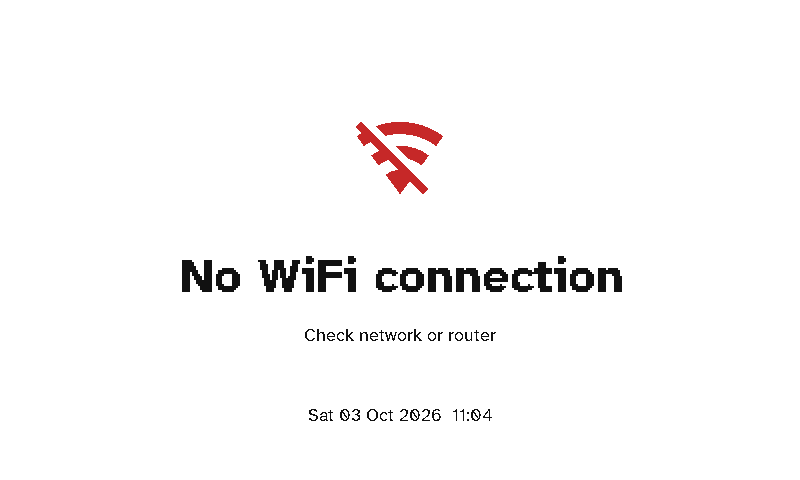
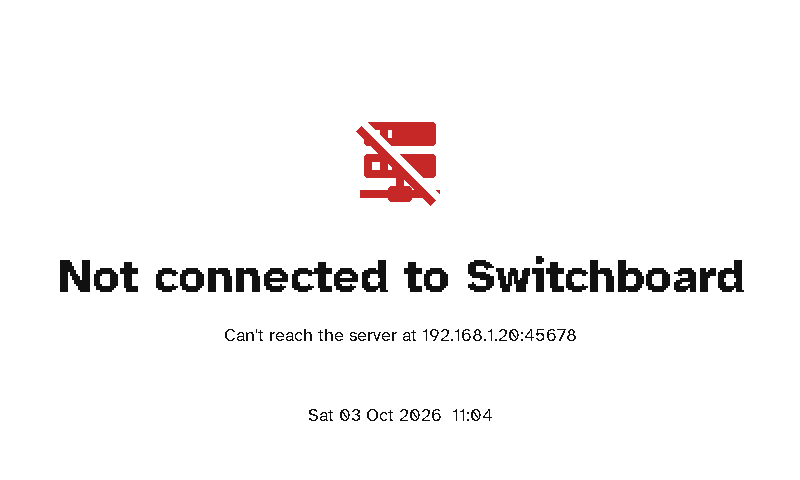
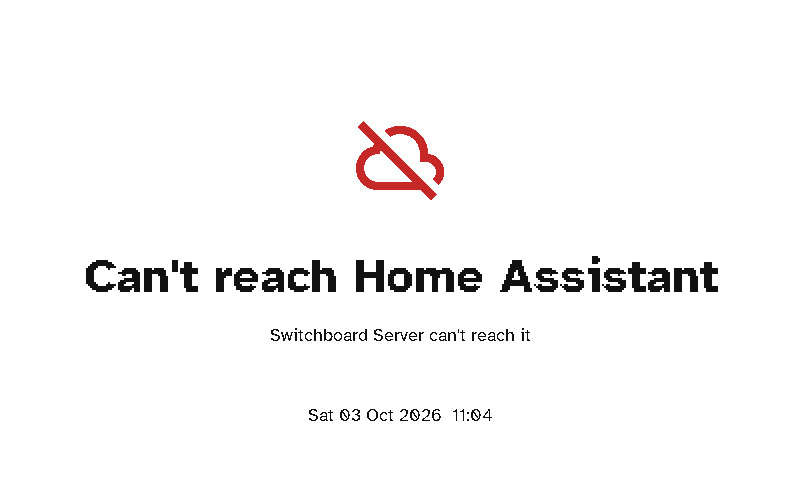
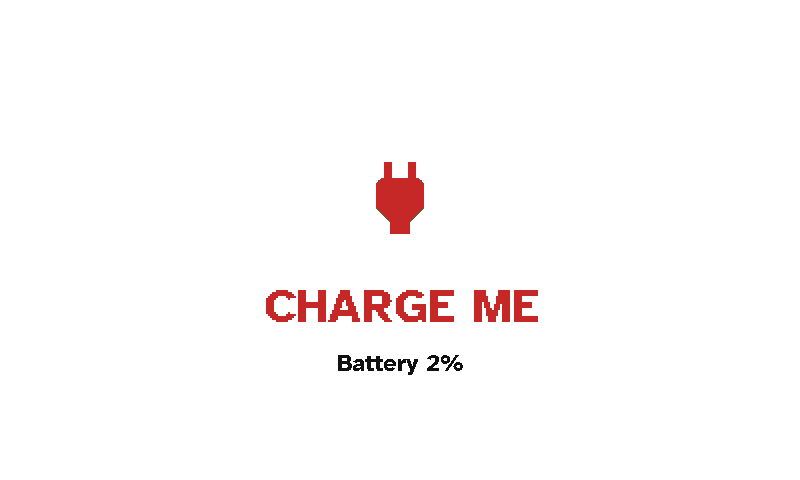
| Screen | What to do |
|---|---|
| No WiFi connection | Check the router. If the display has never joined the saved network, it starts Wi-Fi setup by itself. To change the network, hold the green button. |
| Not connected to Switchboard | The server isn’t running, or the display can’t find it. Check that the server is up, and that mDNS works on your network. If it doesn’t, enter the server’s address during Wi-Fi setup. |
| Can’t reach Home Assistant | The server is running but can’t reach Home Assistant: Authentication failed - check token if Home Assistant rejected the server’s token, else No response from Home Assistant. Check Settings → Home Assistant → Test on the server. |
| CHARGE ME | The battery is at 2% or less. The display stops using Wi-Fi until it’s charged, so plug in a USB-C cable. The server’s Home page warns well before this point. |
| Not set up yet | The display is approved but has no layout. Choose one on its page on the server. |
| Nothing to show | The display’s layout has every screen switched off. |
If the server stops answering after a firmware update, the display returns to its previous firmware by itself (see Updates).