Updates
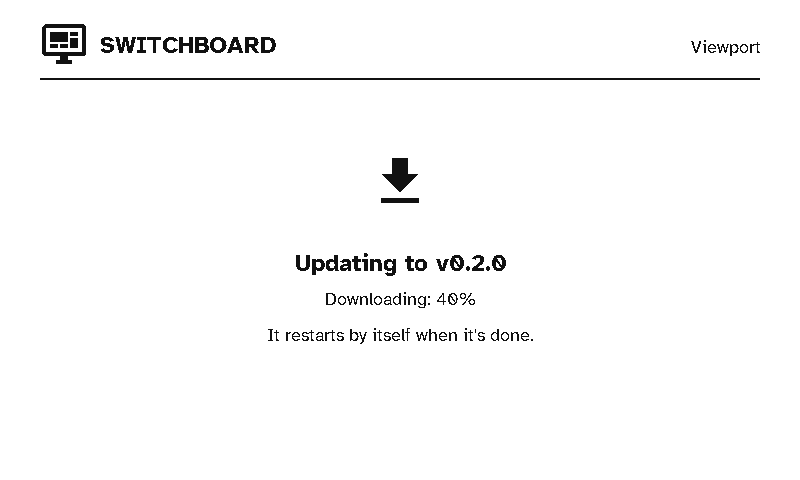
Viewports update over Wi-Fi from the server, the same way remotes do. Firmware always comes from your own server, never straight from the internet. Everything is set up in the server’s Settings → Firmware updates, which covers every kind of device. Each build is for one board, and a viewport’s board is e1002. See Remote updates for releases, pilot devices and the update window.
Getting a release onto the server
Switchboard Viewport (stumarti/Switchboard-Viewport) is in the server’s list of firmware repositories by default. Under Builds, Get latest release lists its releases. Add one and the server downloads switchboard-e1002-app-<version>.bin, checks it against its published .sha256, and reads the board and version from inside the image. You can also upload the .bin yourself. Then make it the e1002 board’s release.
Installing
- On a schedule: at a timer wake during the server’s update window.
- Update now: after Update now on the server’s Home page, at the display’s next timer wake, whatever the window.
A viewport has no menu, so there’s no “check for update” button. A display that’s due an update just installs it, shows its progress, and restarts.
What keeps it safe
- Battery: an update won’t start below the server’s minimum battery (30% by default).
- Integrity: the image downloads into the spare app slot, and its SHA-256 is checked before the display switches to it.
- The right device: the image must say it’s for the
e1002. An image built for another kind of device is refused, whatever the server offers. - Rollback: new firmware only counts as good once it reaches the server on its first run. Until then, a restart takes the display back to the previous firmware.
- Reporting: every attempt, good or bad, is reported to the server and shown on the display’s page.
- Retries: if a scheduled update fails twice at the same version, the display doesn’t try that version again until a different one is released.