Home
Open the server at http://<server>:45678 and sign in.
Finding your way around
The admin site has three parts, left to right:
- The rail: the five sections, Home, Layouts, Remotes, Viewports and Settings, with the manual at the bottom. A number on Remotes counts devices waiting for approval; one on Home counts critical problems.
- The section’s column: its own links, stacked. Home’s views and shortcuts; every layout, or inside a layout its parts; each remote or viewport; the settings pages, in groups. At the bottom, the address devices find the server at, and its version.
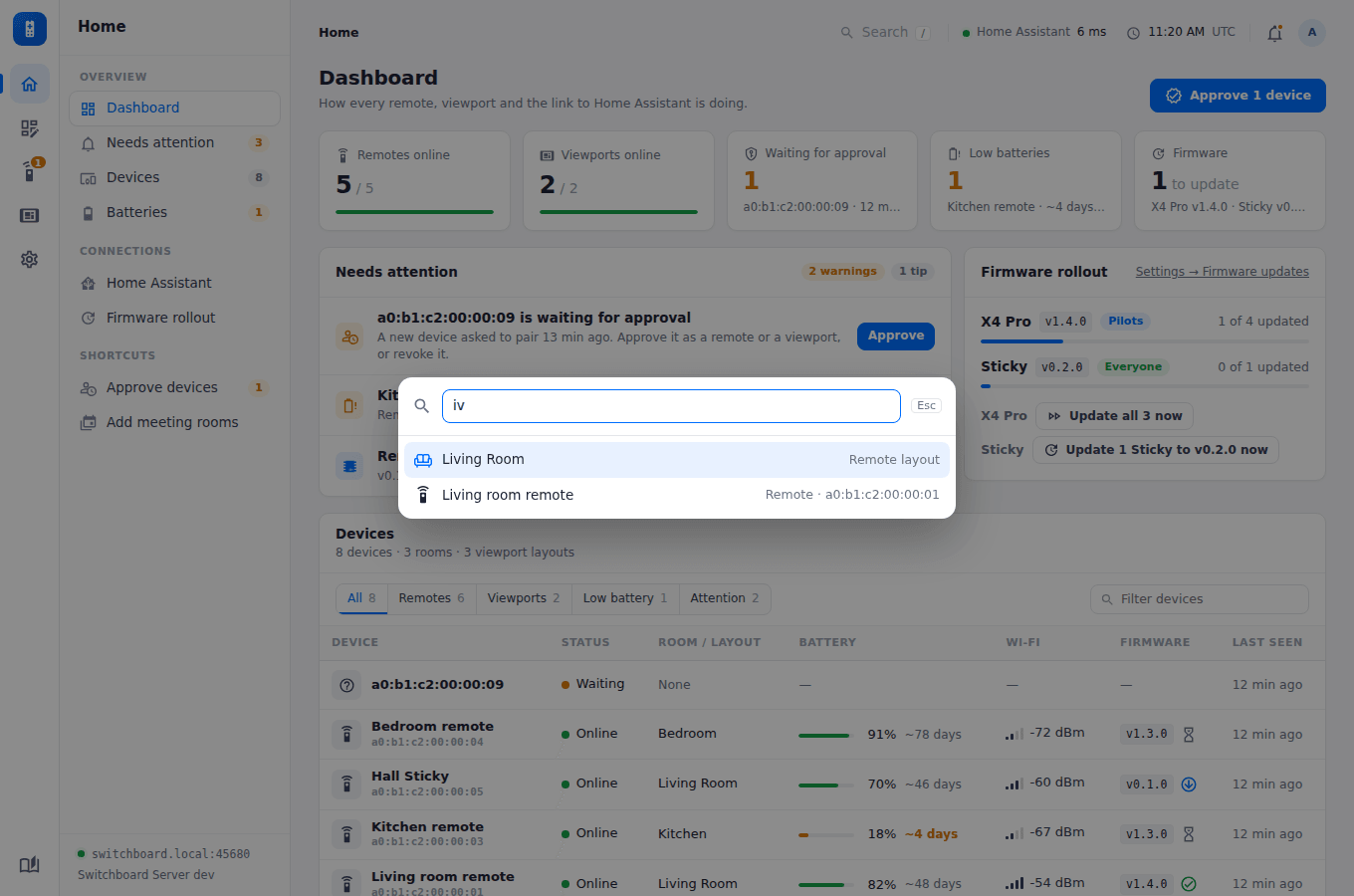
- The page. Above it, on the page’s background: where you are (click a step to go back to it), Search, Home Assistant’s response time, the server’s time and time zone, a bell for what needs attention, and the account.
The dashboard
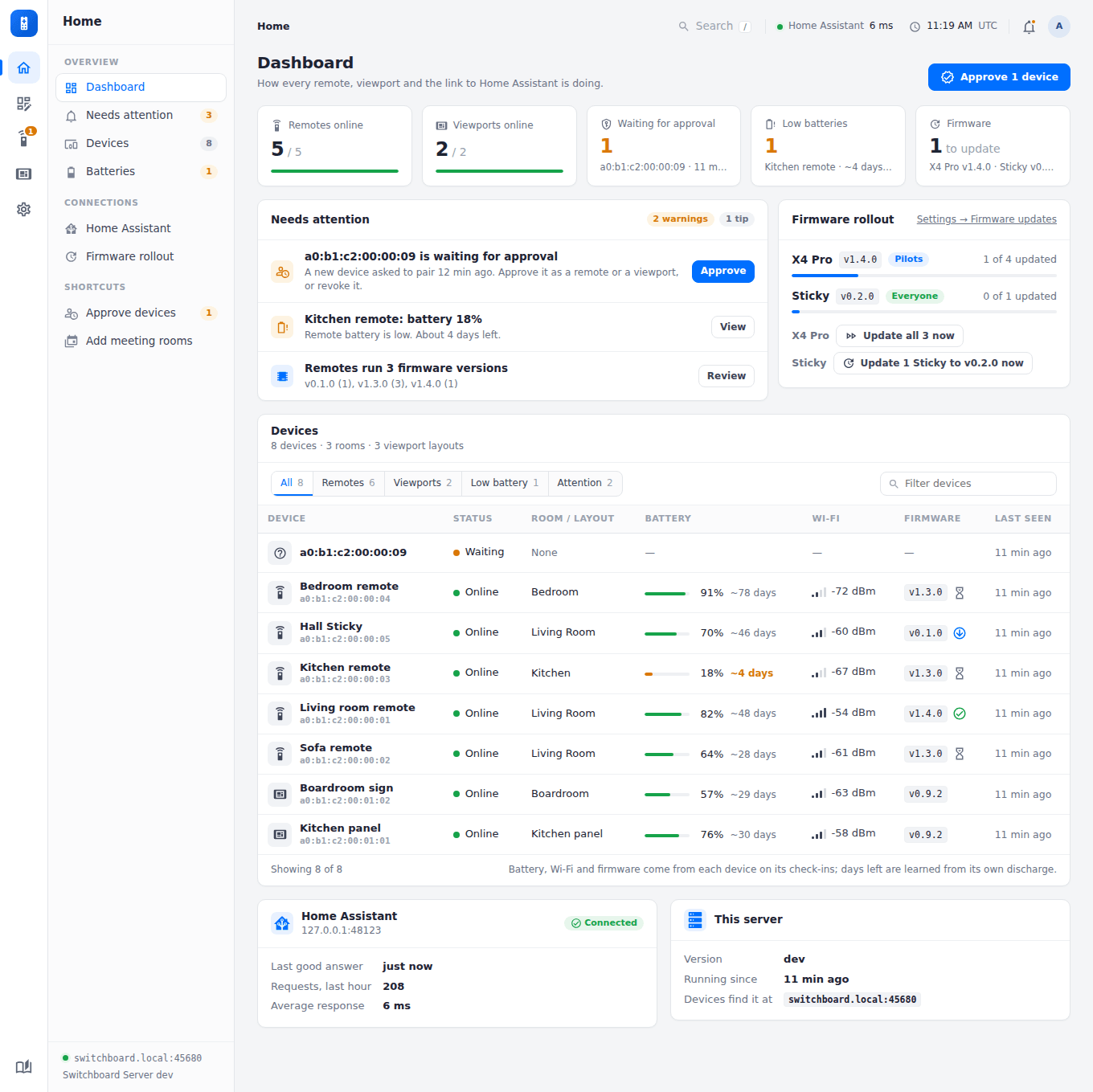
Home shows how the whole setup is doing, and what needs attention, worst first.
- Across the top: remotes and viewports online, devices waiting for approval, low batteries, and how many devices have firmware to install. Click one to go to it.
- Needs attention, each with the button that fixes it (Approve, View, Fix…):
- critical and low batteries (10% and 20%), and any device with about 3 days or less left (Battery life);
- devices not heard from (a remote in a day, a viewport in three of its refresh intervals), weak Wi-Fi, and devices without a room or layout;
- remotes on different firmware versions, and failed updates;
- a newer Switchboard Server, when one is out (Settings → About);
- Home Assistant not set up, unreachable, or failing requests in the last hour (with the recent errors), and any entity a layout names that Home Assistant doesn’t have (a typo, or one renamed in Home Assistant).
- Firmware rollout: each board’s release, whether it’s with the pilots or everyone, and how many of its devices have it, with Update now buttons. See Updates.
- Devices: every device with its status, room or layout, battery and the days it has left, Wi-Fi signal, firmware (an icon shows an update waiting, installed or failed) and when it was last seen. Filter to remotes, viewports, low batteries or devices with a problem, or type part of a name. Click a row to open the device.
- Home Assistant: when it last answered, requests in the last hour, the average response, and recent errors.
The column’s links jump to each part: Needs attention, Devices, Batteries (the devices table, lowest battery first) and Home Assistant.