Living room
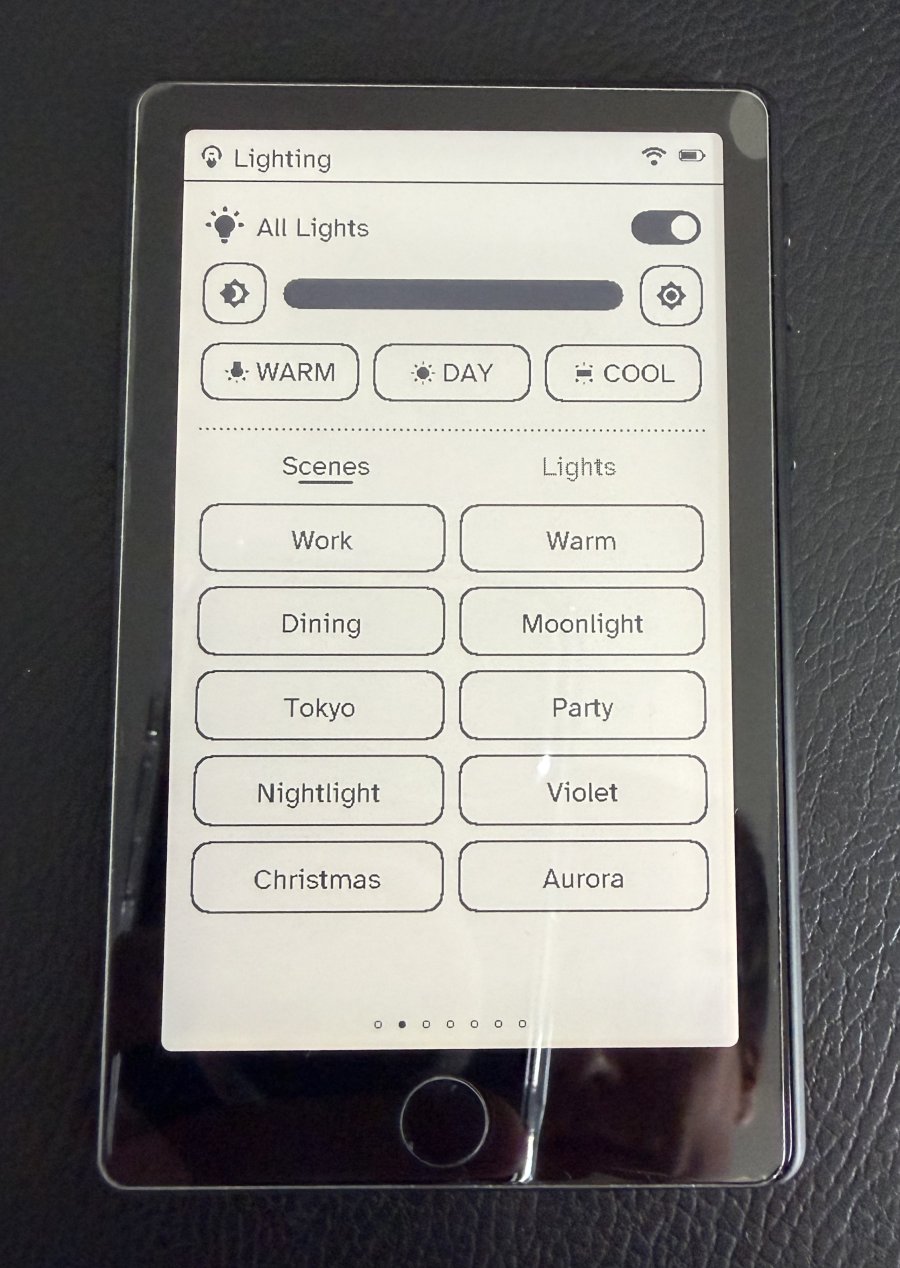
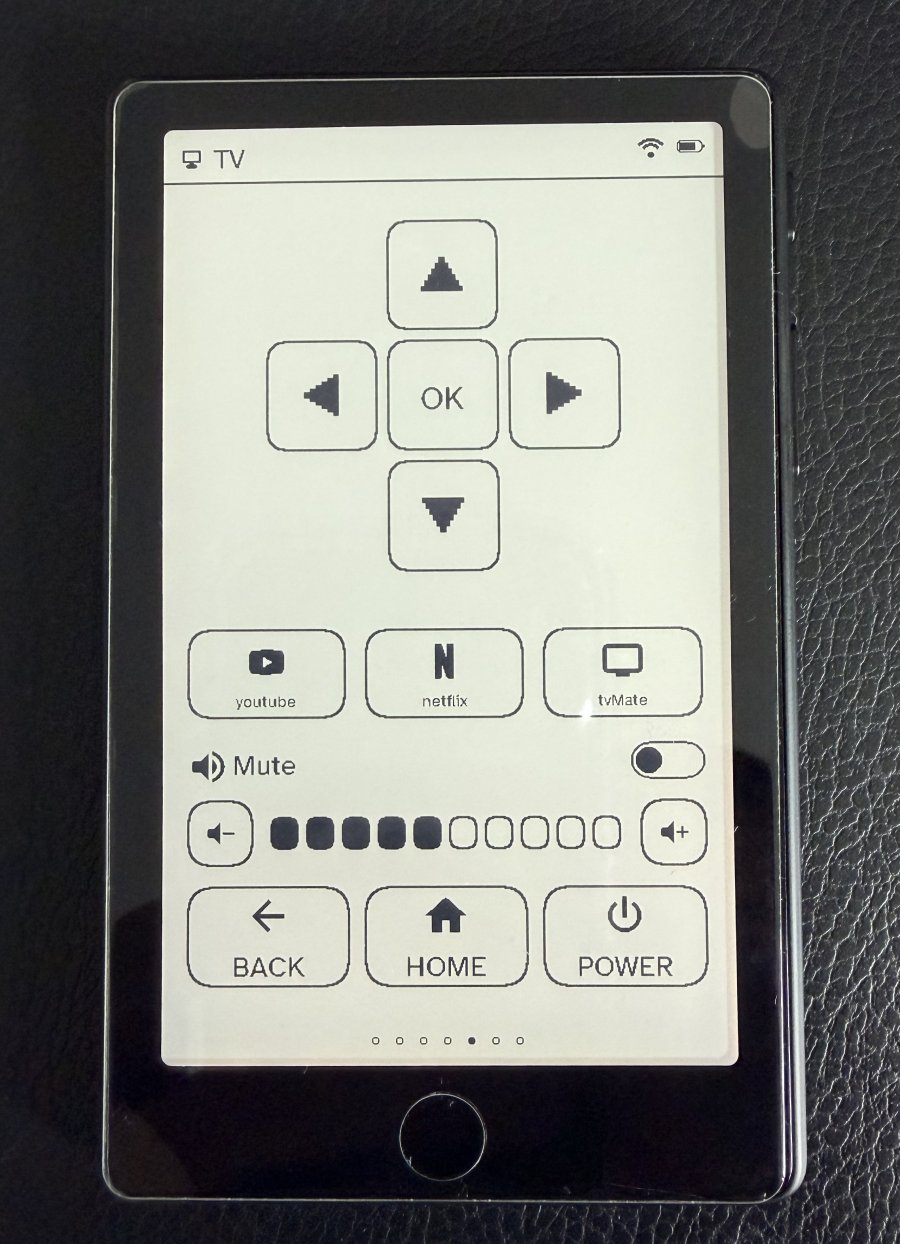
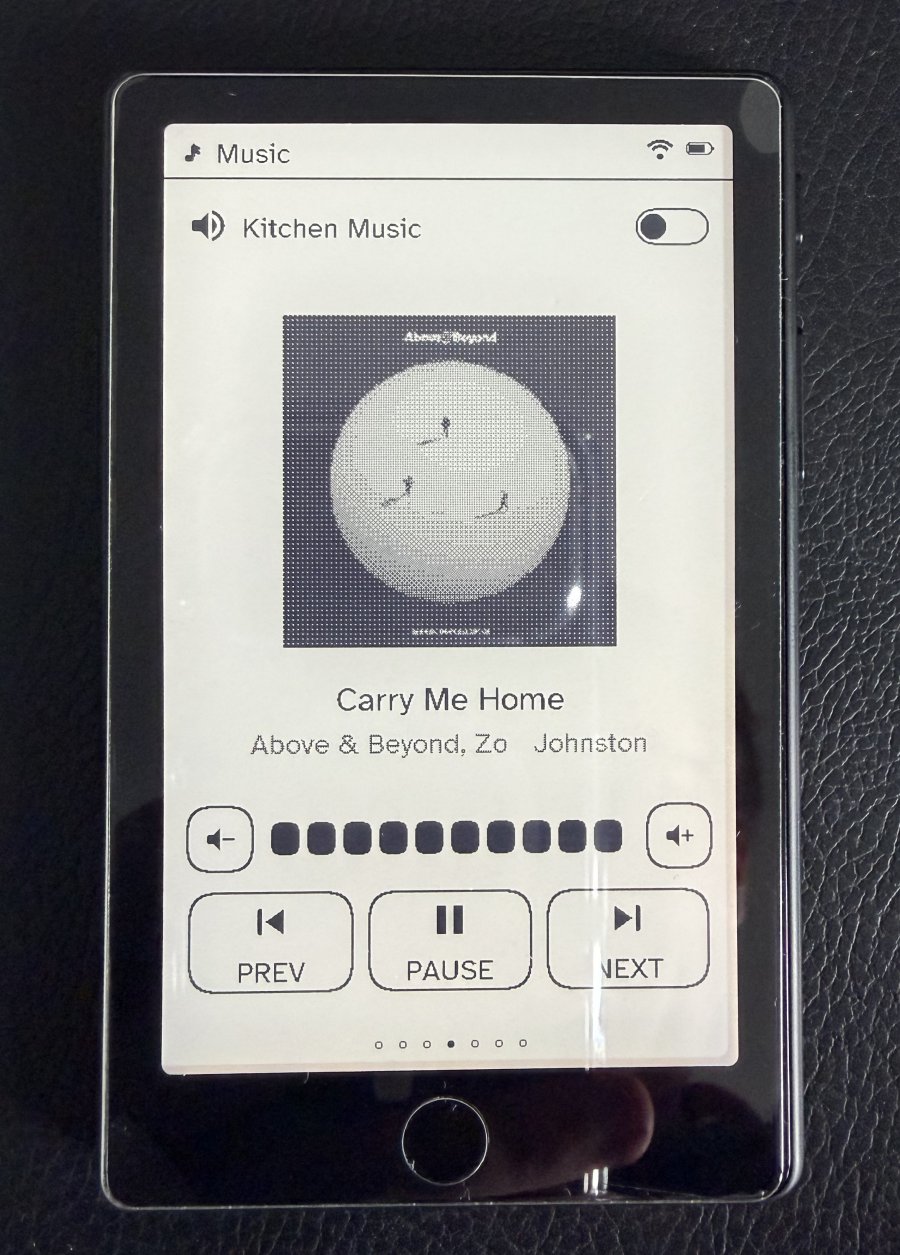
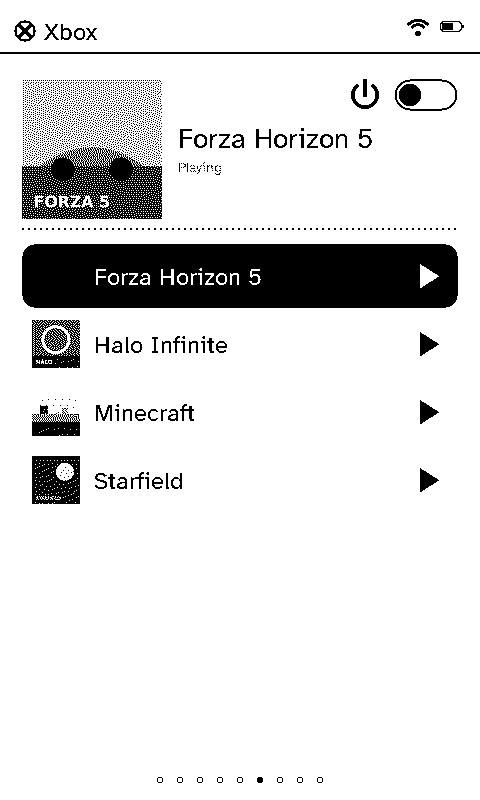
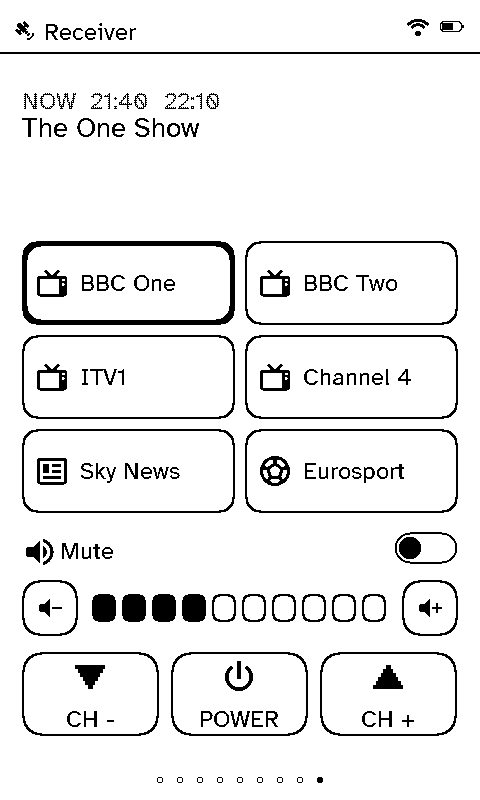
The living room is where the switches and remotes pile up: a bank of dimmers by the door, a TV remote, a speaker app and a phone for the blinds. One Switchboard remote does all of it from the sofa.
The case for Switchboard
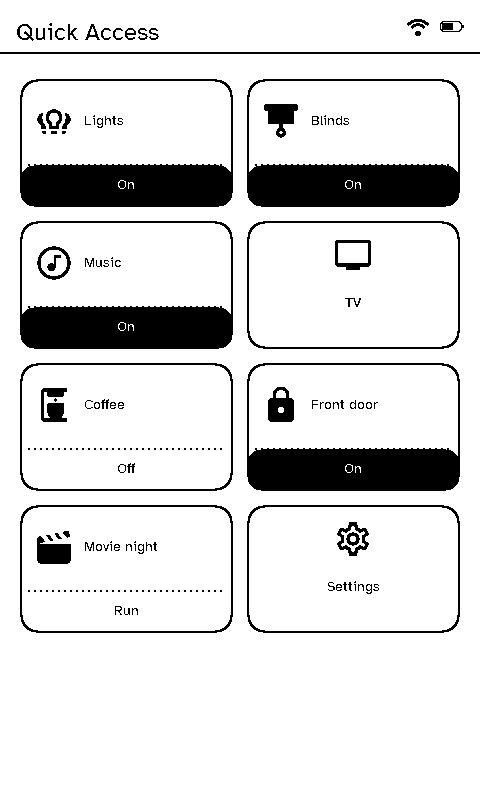
- One remote instead of five or six switches and remotes. Lights, scenes, blinds, heating, TV and music are all pages of the same remote. Nobody hunts for the right one.
- Anyone can use it. Buttons say Movie night, All off and Close blinds, not Scene 3. Visitors and the babysitter don’t need a tour.
- No phone needed. Nobody has to unlock a phone and find an app to dim the lights mid-film.
- It lives in the room. A remote belongs to its room and shows that room’s lights and speakers first. Pick another room in Settings to take it elsewhere, with nothing to re-flash.
- It’s not another screen glowing at you. E-ink has no glow, and a shade lights it in the dark.
Setting it up
Make a layout for the room with the pages you want, and name the buttons the way your household talks. See Remote layouts and Screens.