Meeting rooms
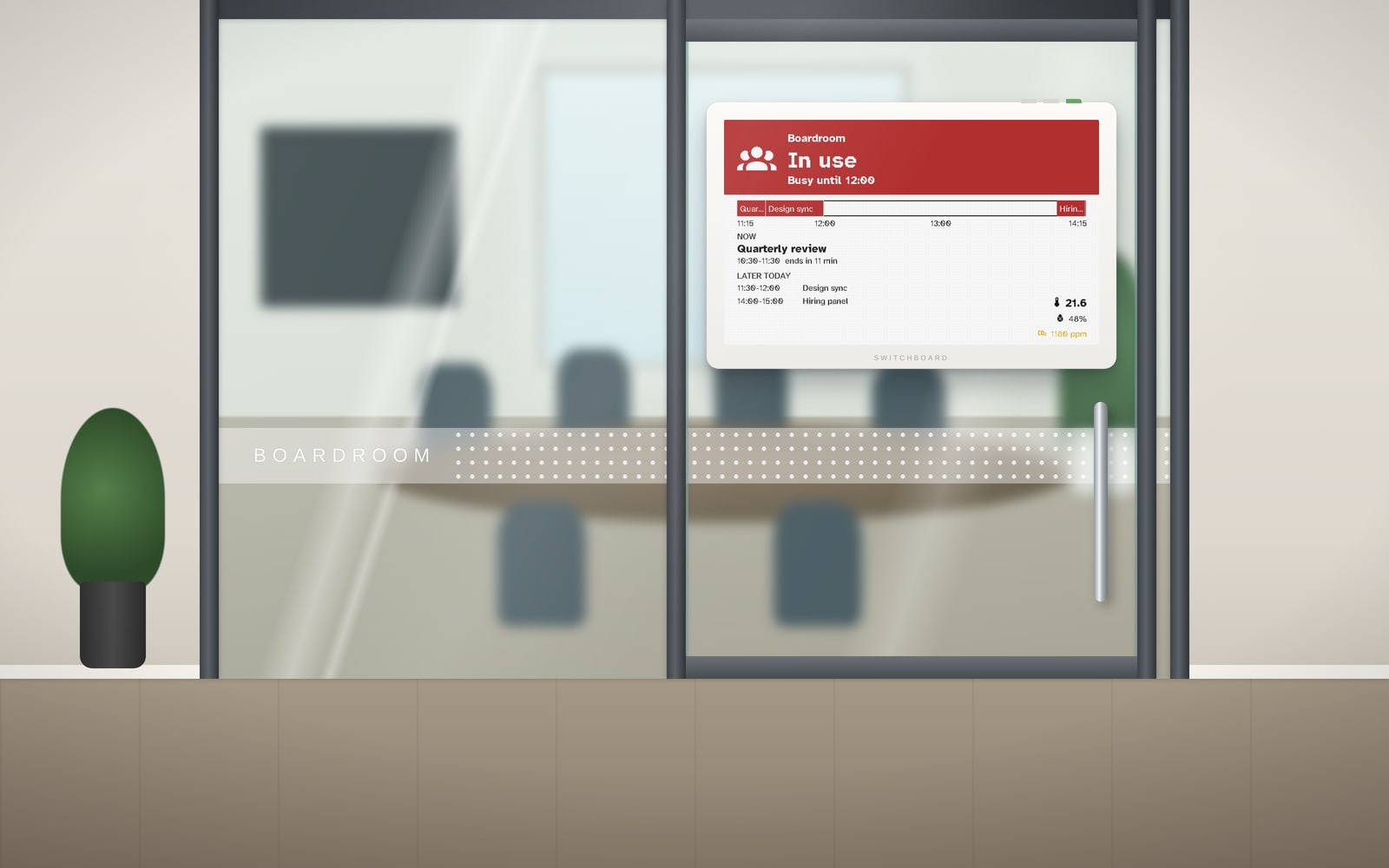
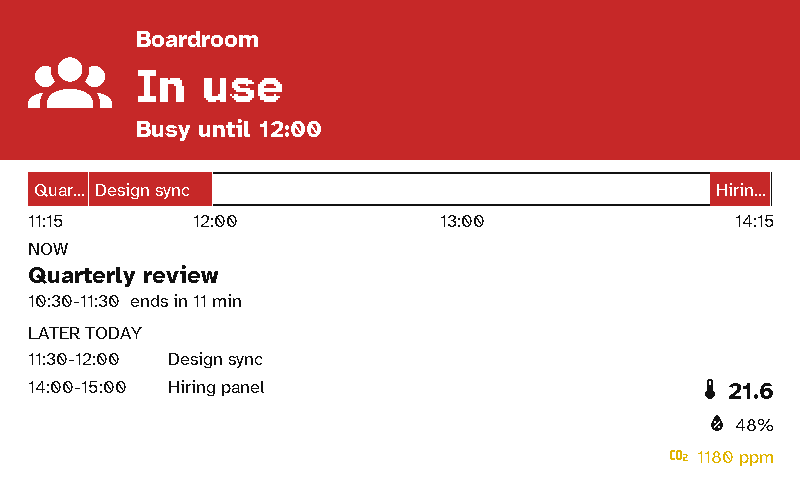
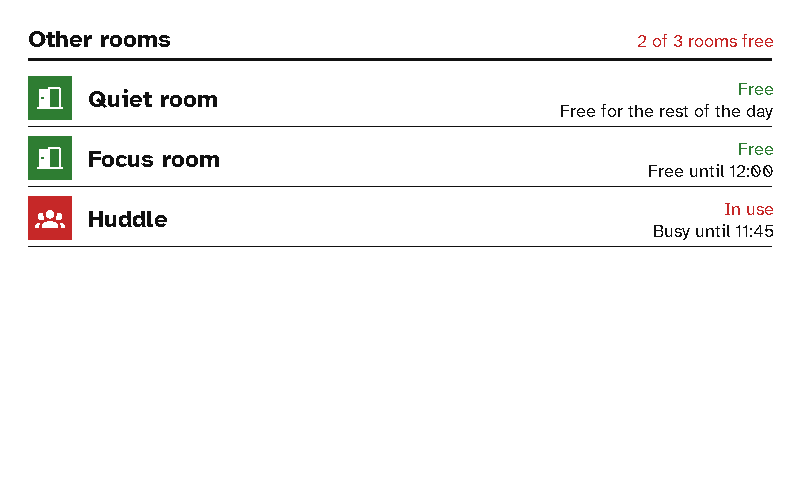
A viewport on a meeting-room door shows whether the room is free, until when, and what's next. Another by the lifts shows which rooms are free right now.
The case for Switchboard
- No cabling, no drilling. Commercial room panels need power and network run to every door. A viewport goes on the glass with no cable and runs for months on a charge.
- Reads from down the corridor. E-ink is clear in daylight and from an angle, and it doesn’t glow in a dark room during a presentation.
- Works with the calendars you have. Google Workspace, Microsoft 365, iCloud and most others publish a calendar link. The server reads it, and the sign never sees the link.
- No Home Assistant needed. An office with only room signs can run the server on its own.
- Set up many at once. Paste the list of rooms from a spreadsheet and the server makes a sign for each. Staff need no training: the sign says Free until 14:00.
- Pairs with a remote. A remote on the table runs the blinds and lights for a presentation, in plain words.
Setting it up
See In the office for room calendars, when signs change and putting up many at once.