Kitchen
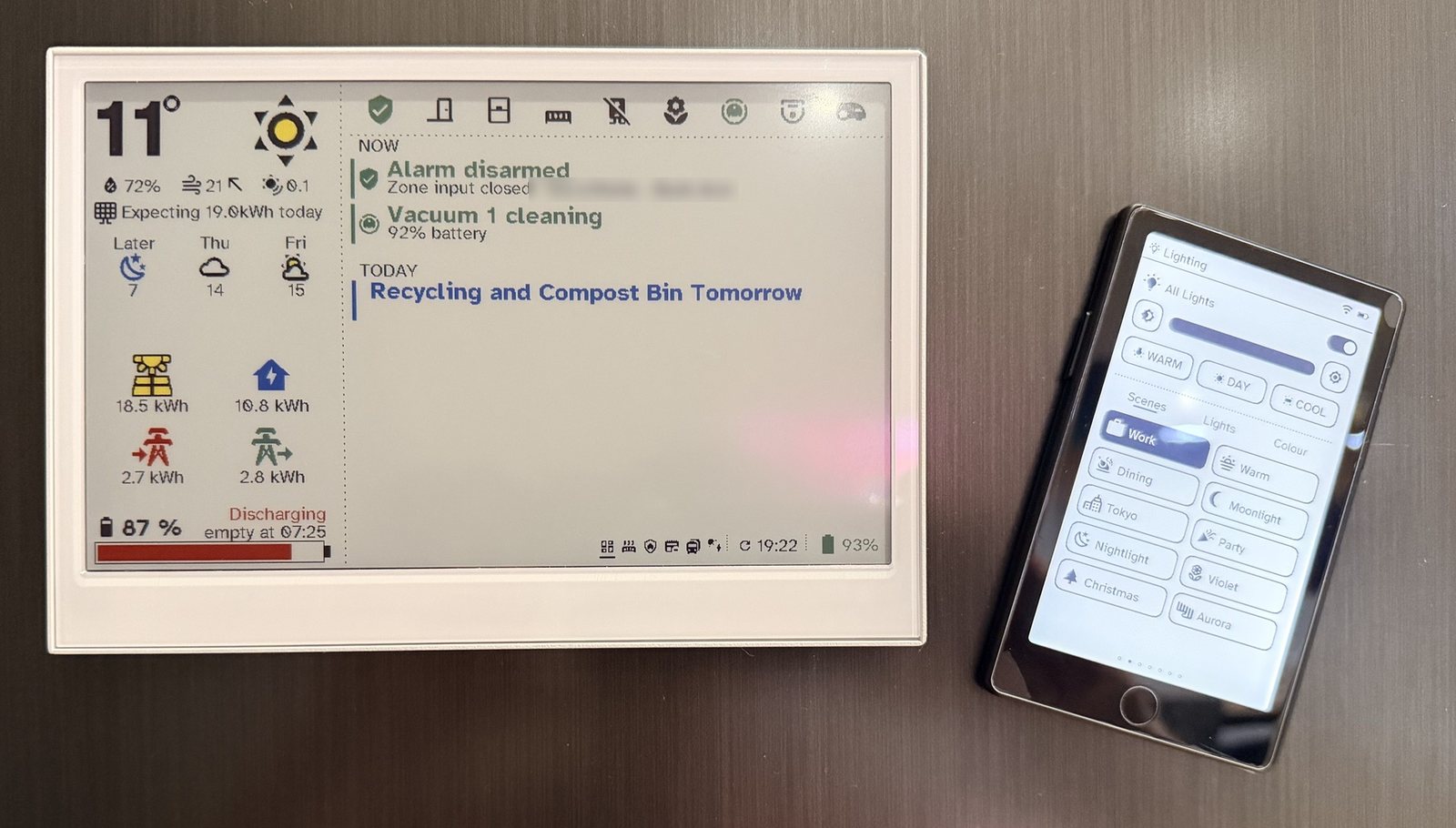
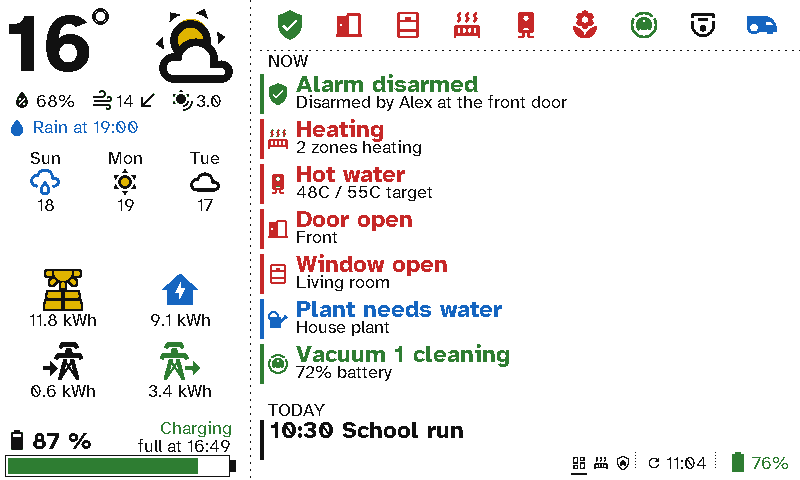
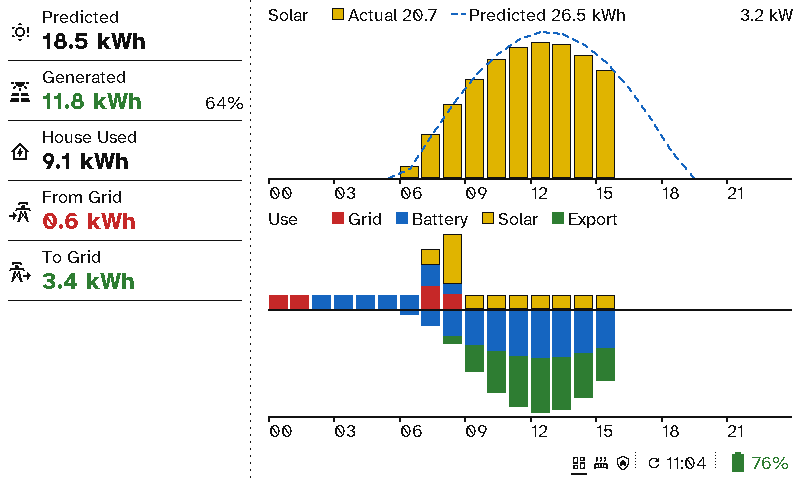
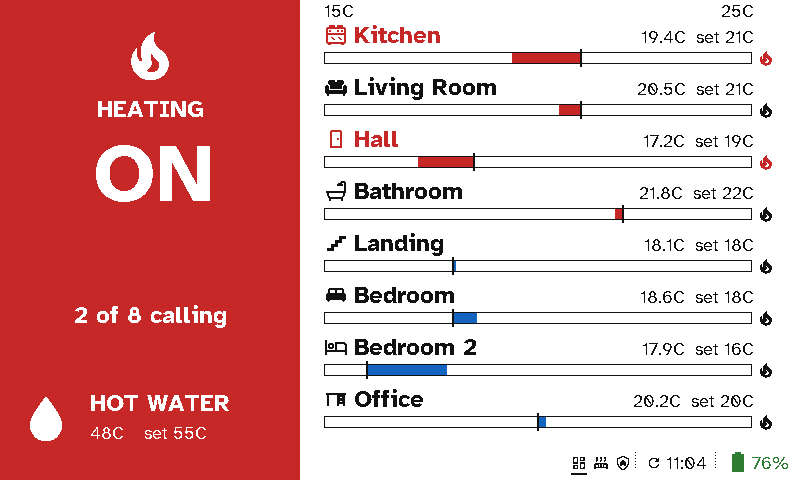
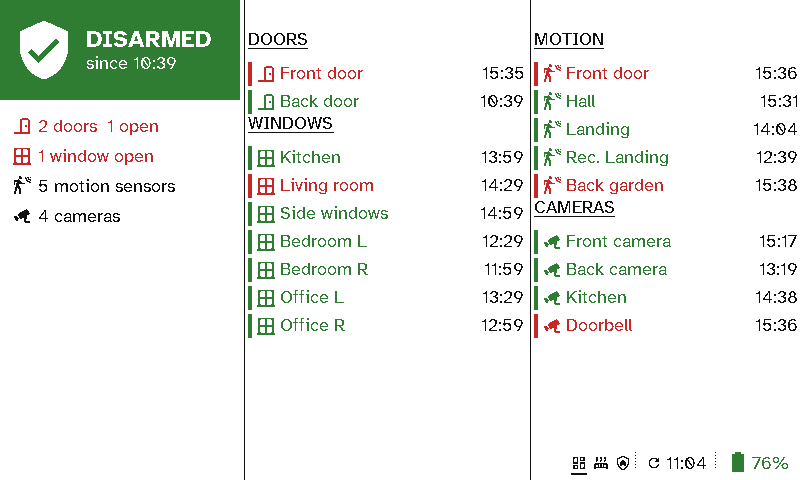
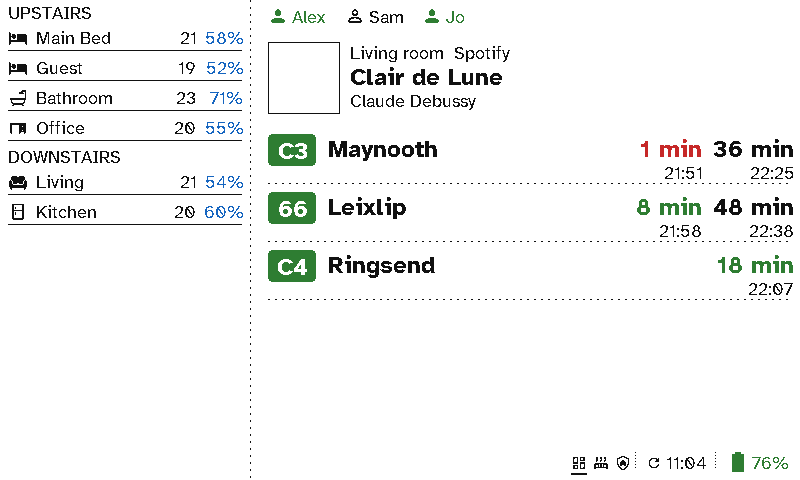
The kitchen is where the household passes most often. A viewport on the fridge shows the day at a glance: the weather, what needs doing now, the calendar, the energy and the heating. The remote beside it handles the lights and music.
The case for Switchboard
- Everyone sees it, nobody has to open an app. The things a household asks each other (“Is it going to rain?”, “Did anyone lock up?”, “Is the battery full?”) are on the fridge.
- Only what matters right now. The Now list shows a sentence when something needs attention, such as a window open with the heating on, and nothing when all is well.
- No cable to the fridge. A viewport needs no power cable and runs for around 3 months on a charge.
- No glow in the kitchen at night. It reads like paper in daylight and is dark at night, unlike a tablet.
- Answers that come from your house. Energy, heating and security come straight from Home Assistant, with no template sensors to write.
Setting it up
Start from the kitchen dashboard (Start from or import → Kitchen dashboard), then change its screens and sections in Viewport layouts; the sections are described in Screens.