Use cases
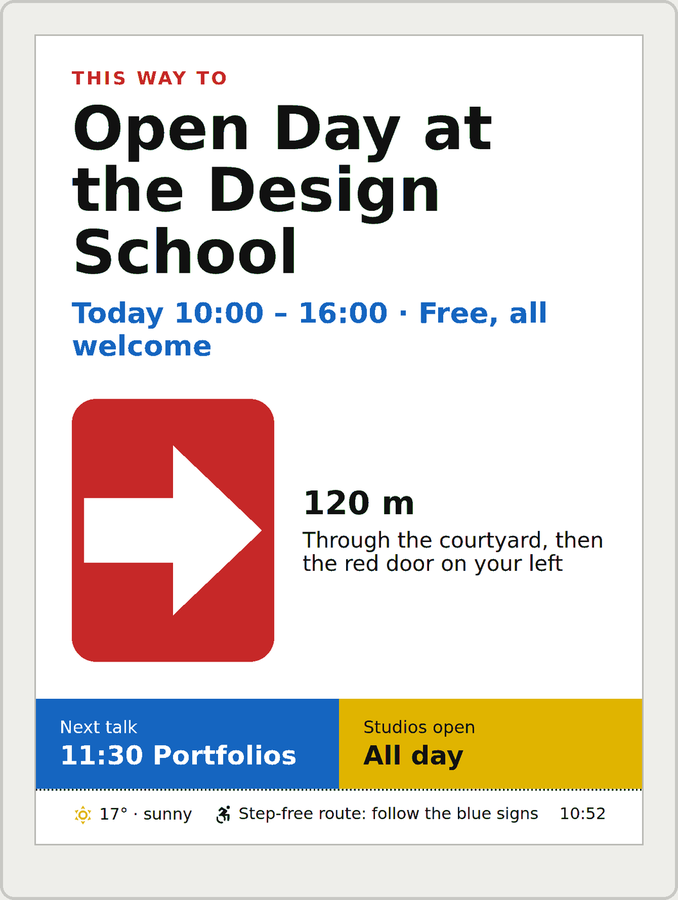
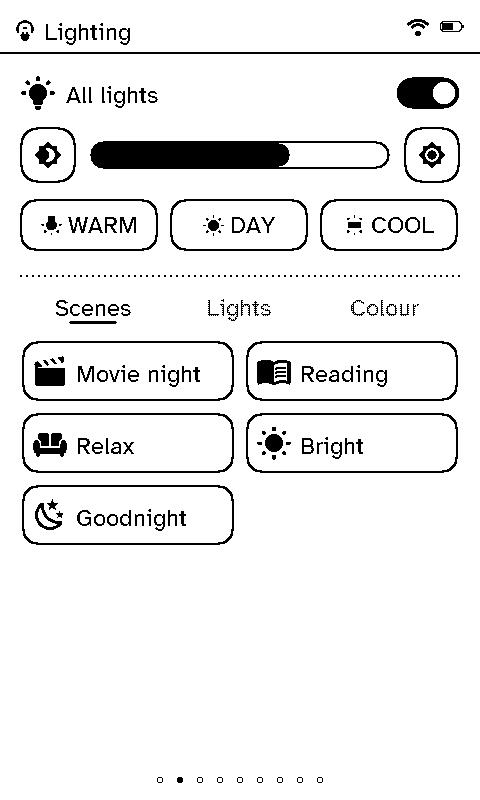
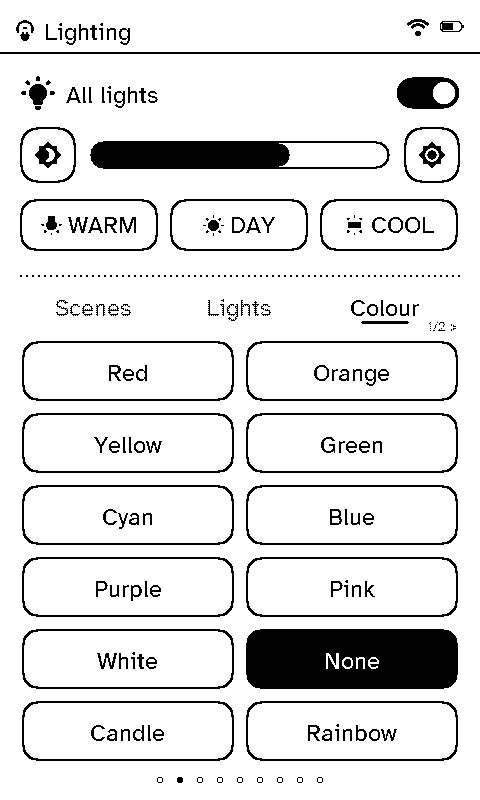
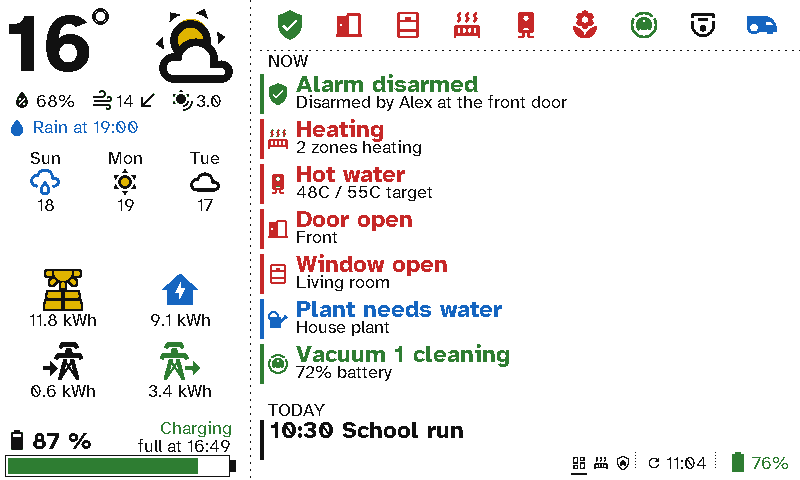
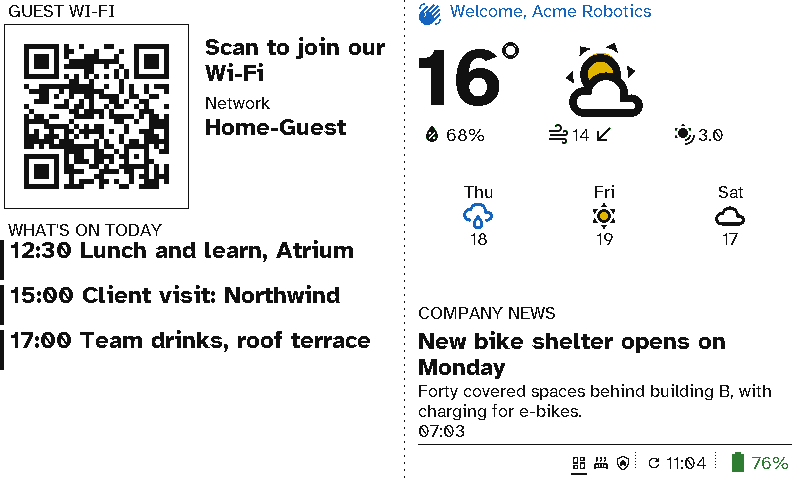
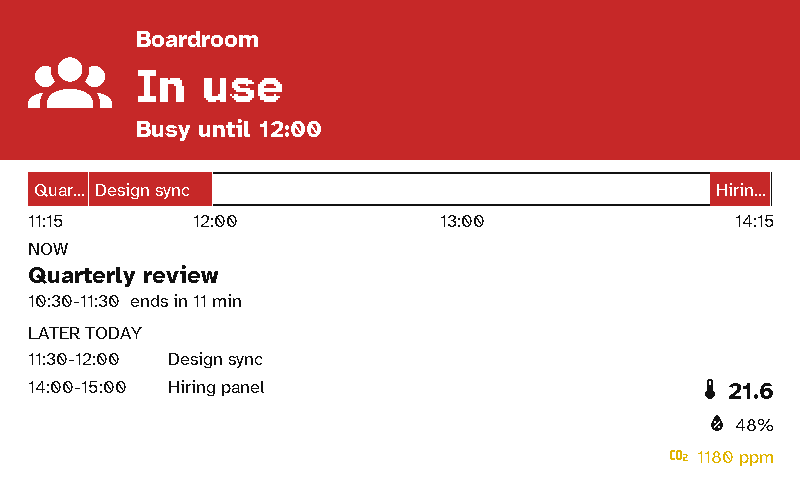
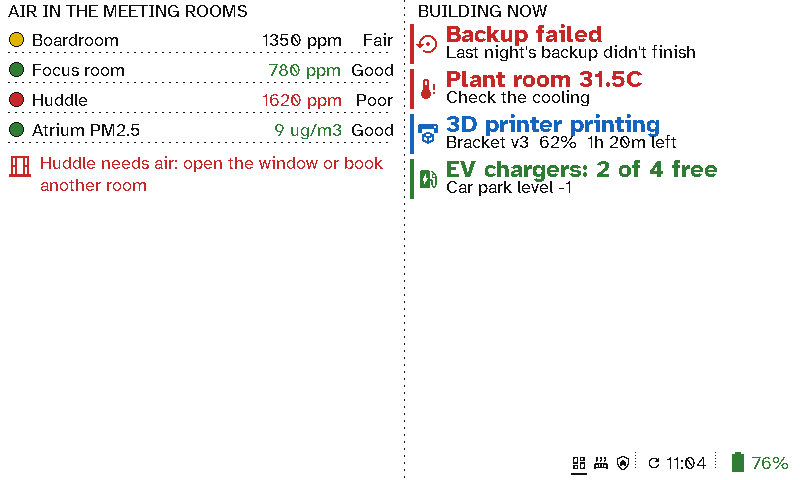
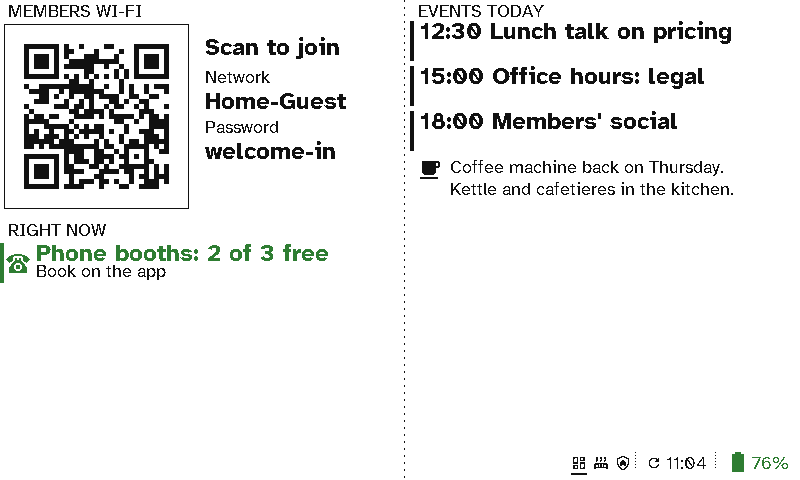
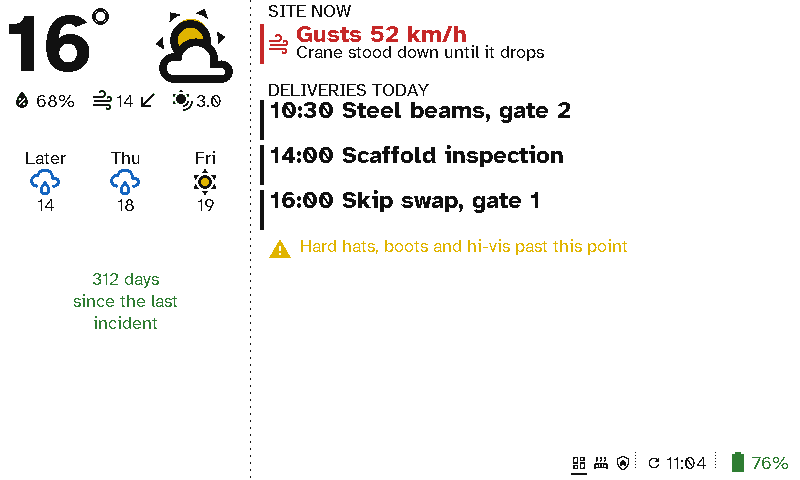
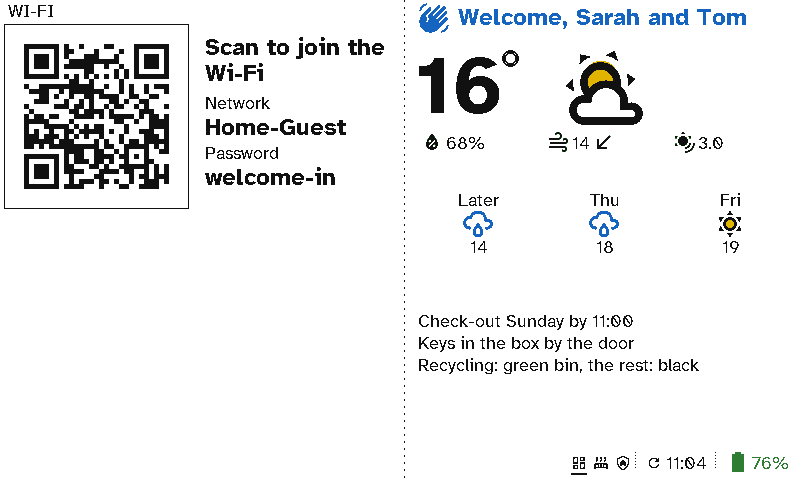
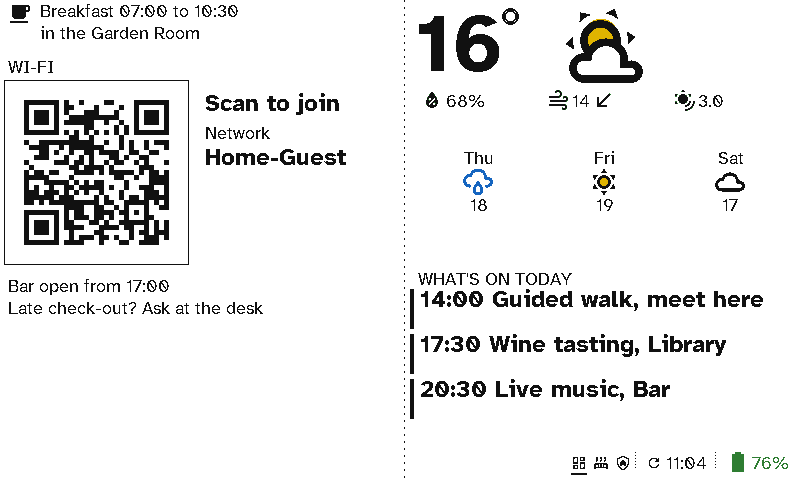
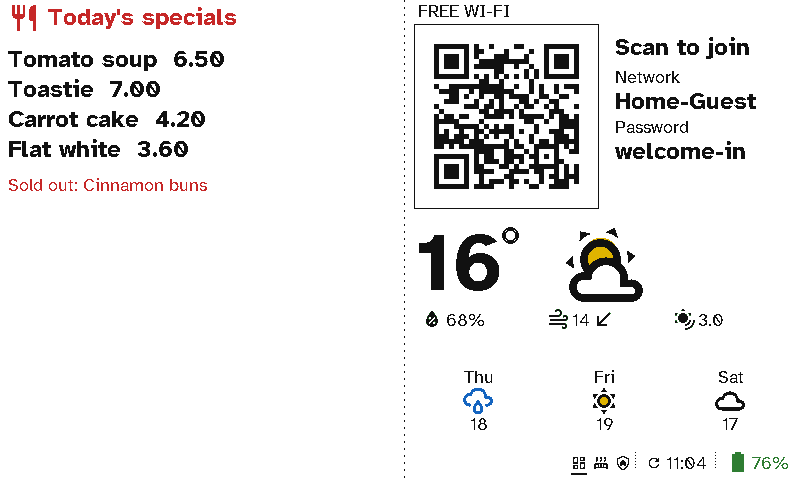
Switchboard puts e-ink where people need it: a remote in each room in place of the switches and remotes, and colour wall displays wherever people glance on their way past. This page lists the places it fits. Each one has its own page with the screens and the case for using Switchboard there.
Why Switchboard
These points apply to every use case below.
- One remote replaces five or six switches and remotes. The lights and dimmers, the scenes, the blinds, the heating, the TV and the music all go on one screen you can carry to the sofa.
- Plain English, so nobody needs training. Every button says what it does, in your own words: All lights, Movie night, Close blinds. Guests, grandparents, the babysitter and new staff can use it without being shown.
- No wiring and no glow. E-ink reads like paper from across a room and only uses power to change the picture. A remote lasts about 30 days on a charge and a viewport around 3 months. See Battery life.
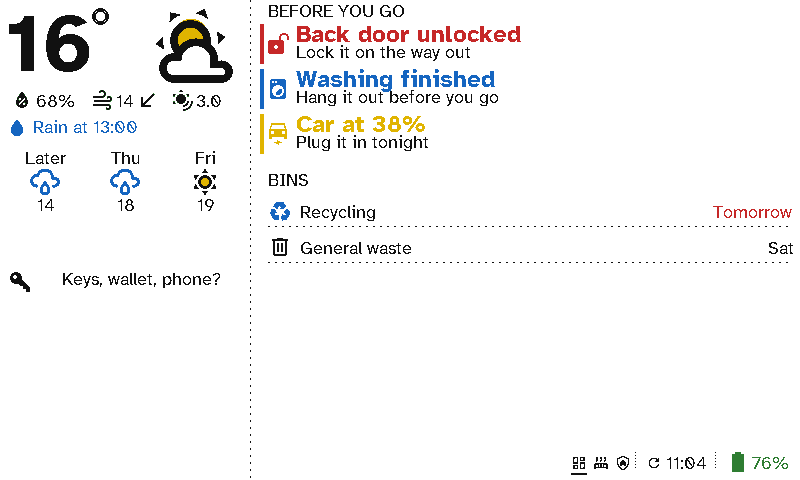
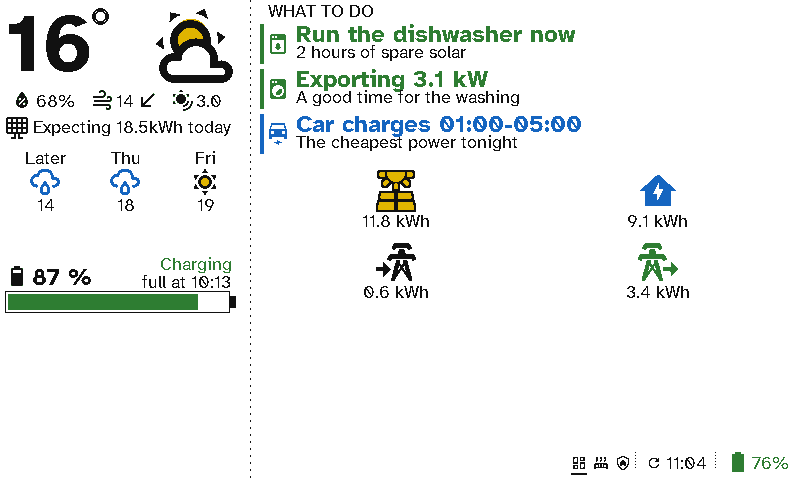
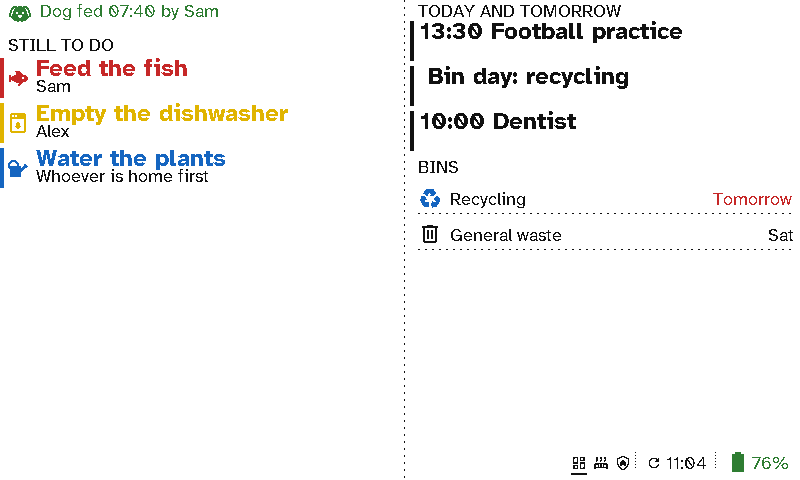
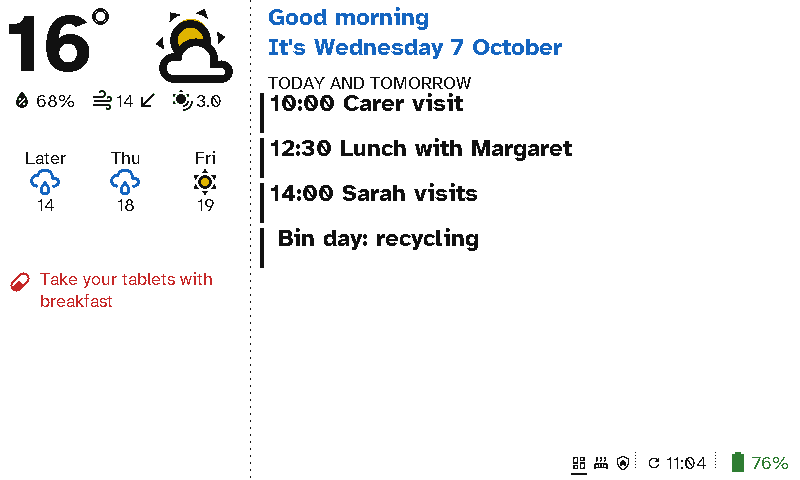
- Live, not printed. Screens come from Home Assistant and your calendars, so the sign on the door, the bins and the “back door unlocked” warning are always current.
- One page to manage them all. You build every screen on the server, in a browser. Moving a remote to another room or changing a sign takes seconds, with nothing to re-flash.
At home
At work
Hospitality and shops
Coming: events on the 13.3” board