When something’s wrong
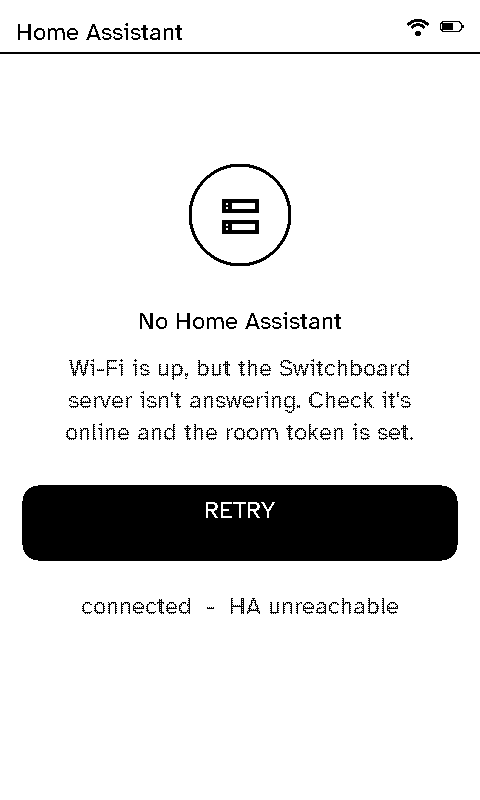
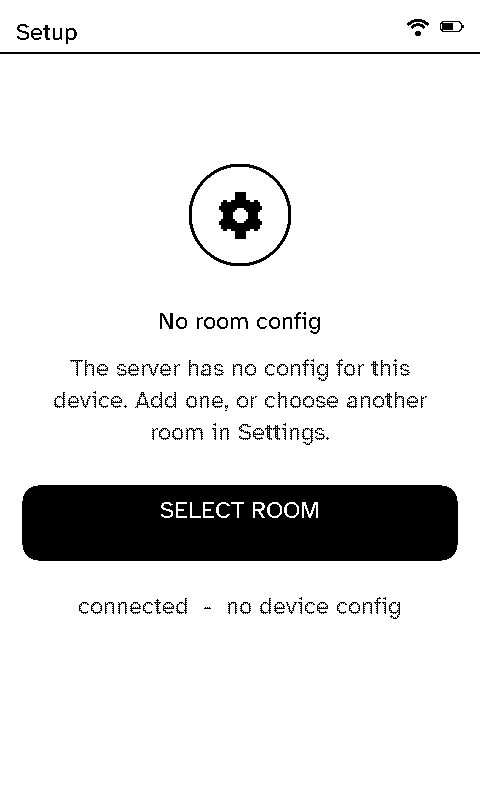
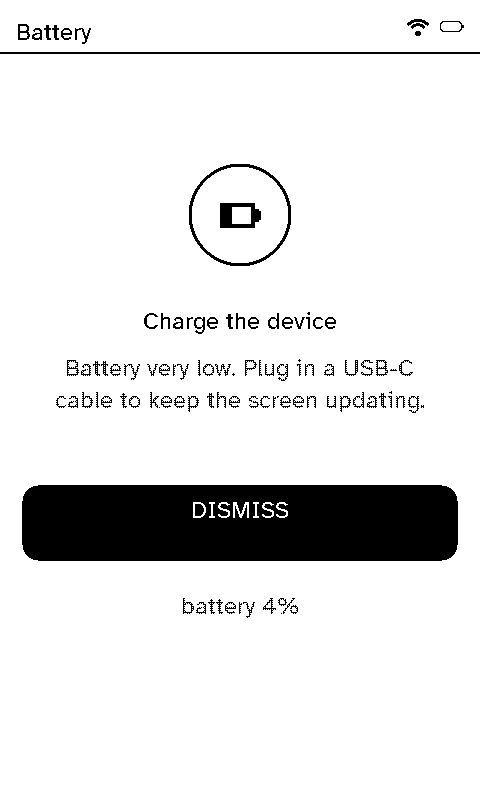
If the server or Home Assistant can’t be reached, the remote shows a plain screen saying so instead of hanging. Any button tries again, and Home still opens Settings.
| Screen | What to do |
|---|---|
| No Home Assistant | Check the server is running, and that its Home Assistant connection works (Settings → Home Assistant → Test on the server). |
| No room config | The server has no room for this remote: assign one on its page on the server, or pick one here with Select room. |
| Charge the device | Plug in a USB-C cable. The server’s Home page warns before it gets this far (see Battery life). |
Settings → Developer → Error states previews every one of these, to check how they look.