Pairing
Every remote pairs with the server once, by its MAC address. This is what proves it may fetch its room’s setup, which includes your Home Assistant token and Wi-Fi password.
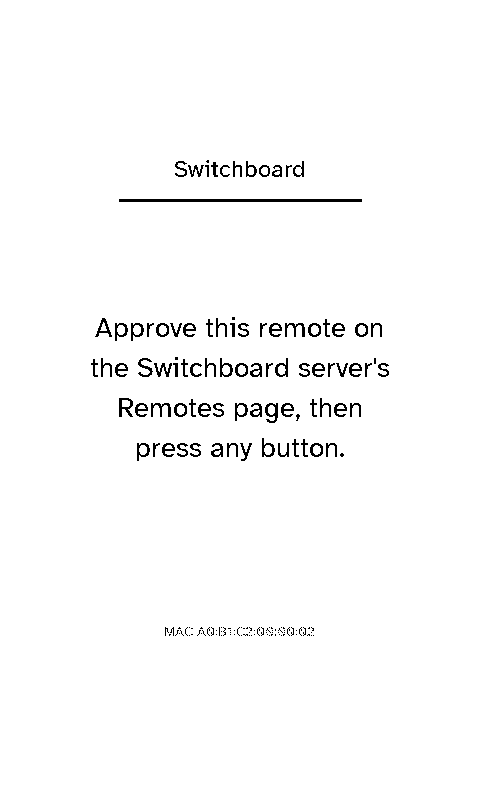
- First contact. A remote that’s never paired (or was revoked) registers once, then shows “Approve this remote on the Switchboard server’s Remotes page, then press any button”. It doesn’t keep asking the server: each button press checks once. If it can’t reach the server at all, it tries again every 30 seconds.
- Already paired. A paired remote goes straight past it.
- Token lost or refused. A paired remote whose token stops being accepted quietly registers again and gets a new one, rather than going back to the approval screen.
- Room. Approving a remote on the server is also how its room gets set. Leave it unset and pick one on the remote in Settings → Select room instead; a room picked on the remote wins.
See the server’s Pairing & auth for the admin side.